Strimelo is an IPTV and personal media player for Apple TV.

Watch the live channels, movies, and shows you already have. See what’s on with the TV guide, stay closer to live, and open your own media library with the remote.

Explore compatibility

Bring your own playlists, provider account, or media library. Strimelo includes the player and guide interface. No channels, media, or subscriptions are included.

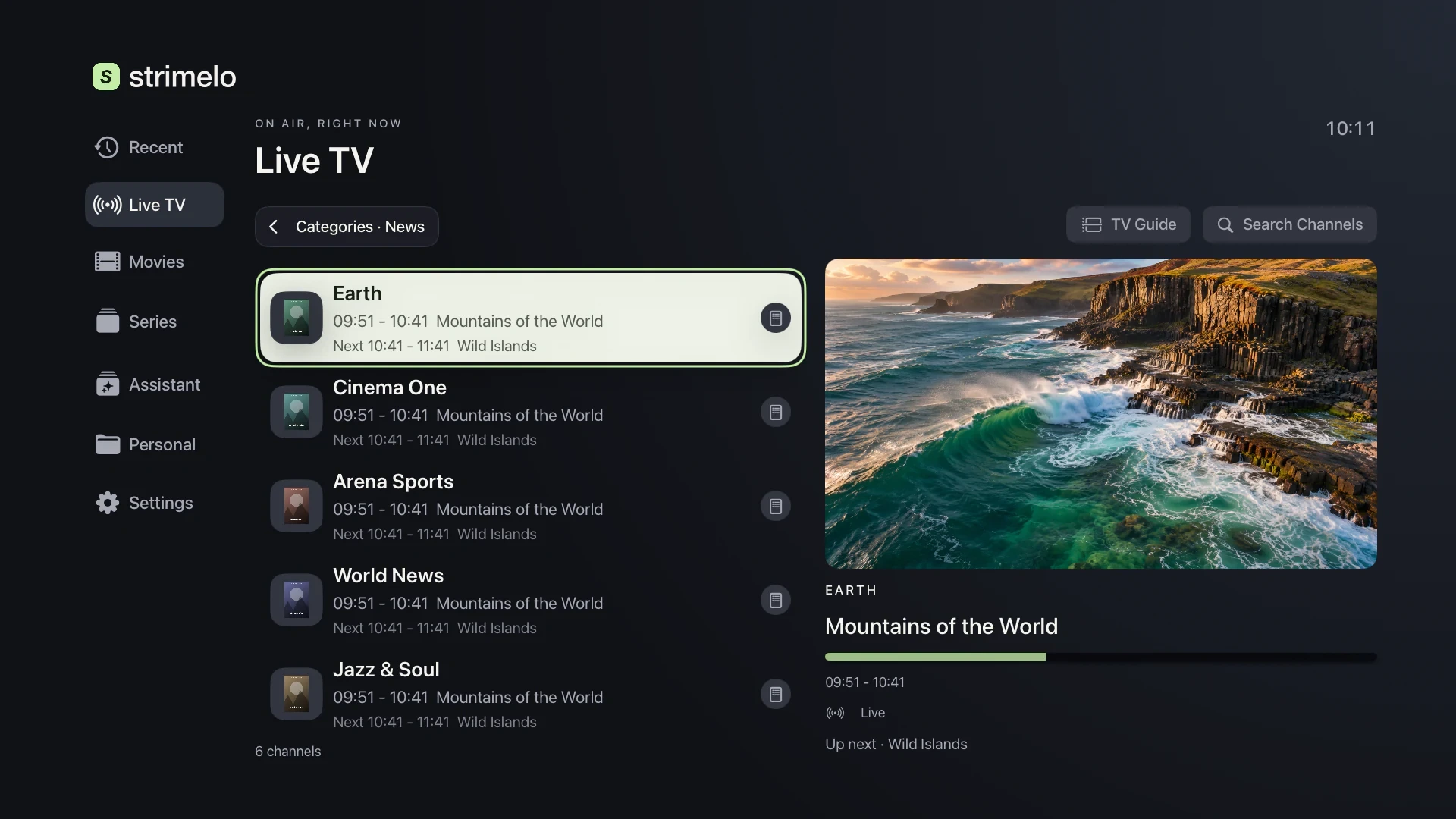
Strimelo on Apple TV showing the Live TV channel list and a preview of waves along a rocky coast.
Strimelo on Apple TV, shown with demo content.

Live TV, movie night, and your own library.

Live playback

Stay closer to live.

On supported streams, Strimelo starts near the newest audio and video it receives. It adapts the buffer when delivery changes. Press Go Live to return toward the latest available picture.

Step away and resume within the live buffer, or watch up to four channels in Multiview on eligible hardware with enough provider connections.

Check live playback and Multiview support

Strimelo playing a live demo channel showing a red-rock canyon, with current and upcoming programme information.
Live playback with demo footage and fictional listings.

Original picture

Watch in the quality your source delivers.

Play compatible video at its original quality, including 4K, HDR10, HLG, and supported Dolby Vision profiles. Apple TV’s Match Content settings can match the source dynamic range and frame rate on compatible playback routes and displays.

Check video and HDR formats
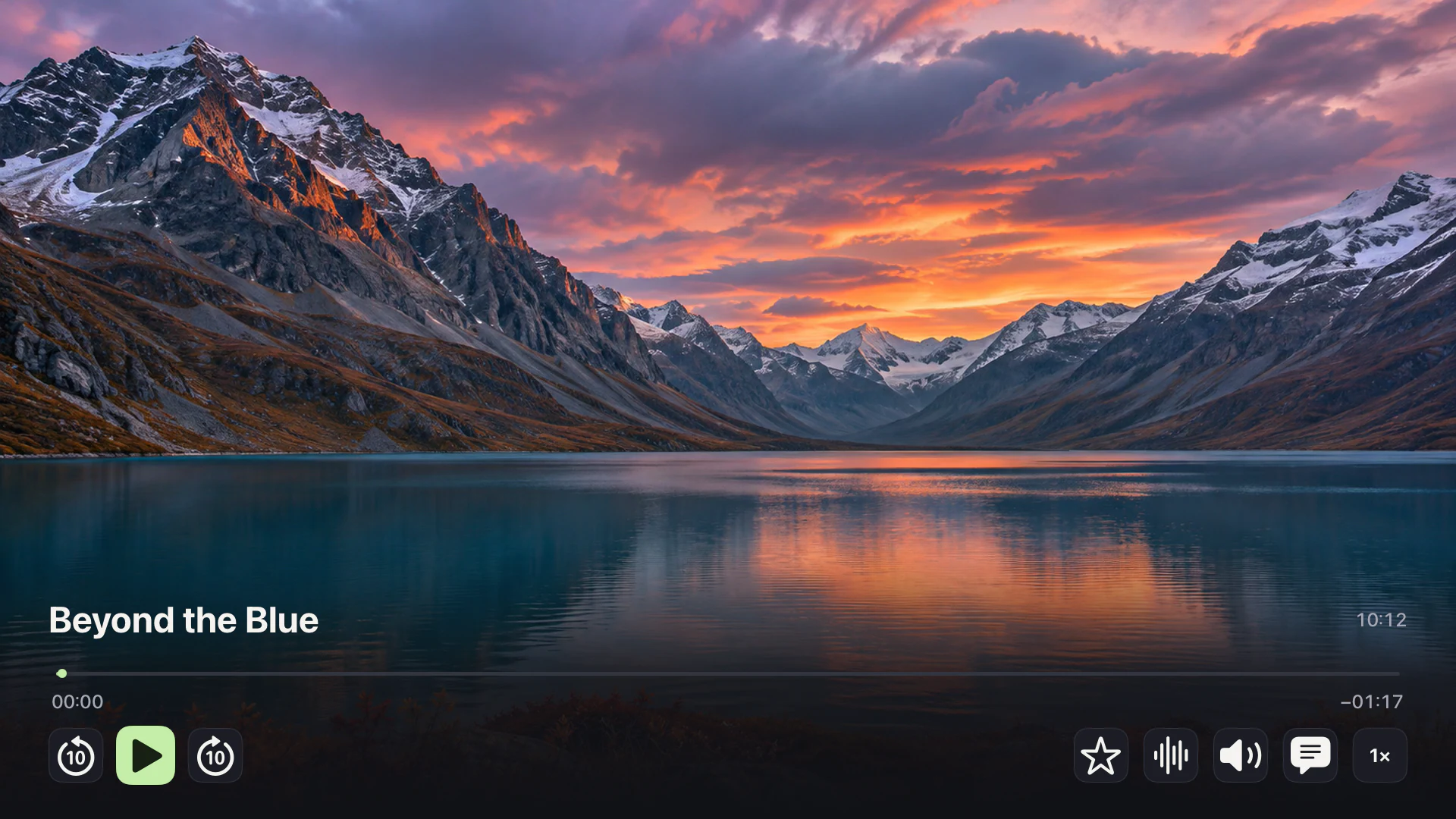
Strimelo playing a demo film showing an alpine lake at sunset, with playback controls visible.
On-demand playback with demo footage.

TV guide

See what’s on from the sofa.

Browse the guide with the Siri Remote, jump into a programme, or preview a channel as you browse. The guide shows current and upcoming listings from your provider or XMLTV feed. Set reminders for upcoming programmes or watch earlier ones where your provider offers catch-up.

Check playlists, TV listings, and catch-up
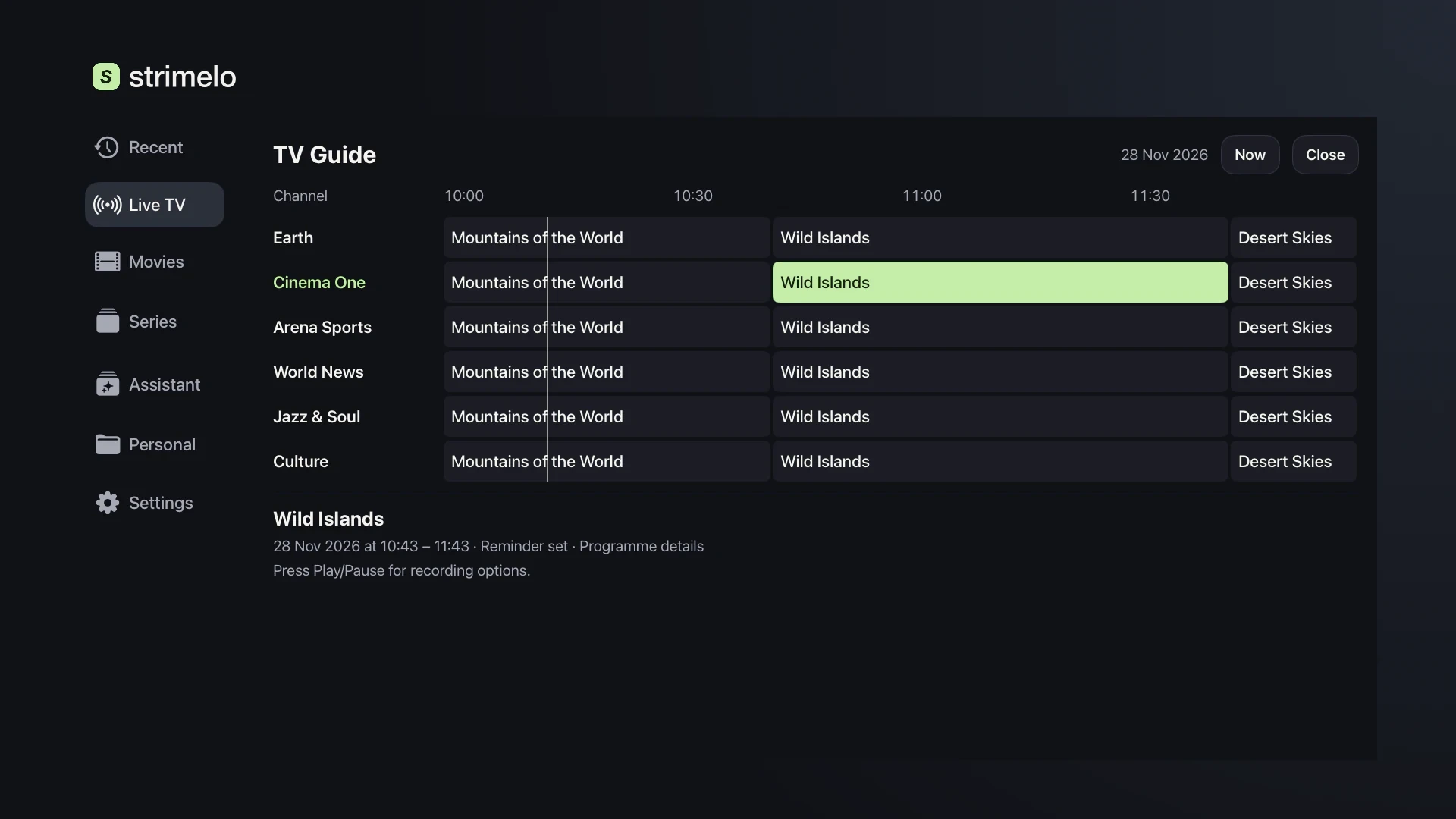
Strimelo’s channel-by-channel programme grid with fictional schedules.
TV guide with fictional programme listings.

Personal library

Put your own media on the big screen.

Browse movies and shows from your Plex or Jellyfin server, play files from an SMB or WebDAV share, or open a direct video link. You can set up Personal Library on its own, even if you don’t use IPTV.

Check personal media sources
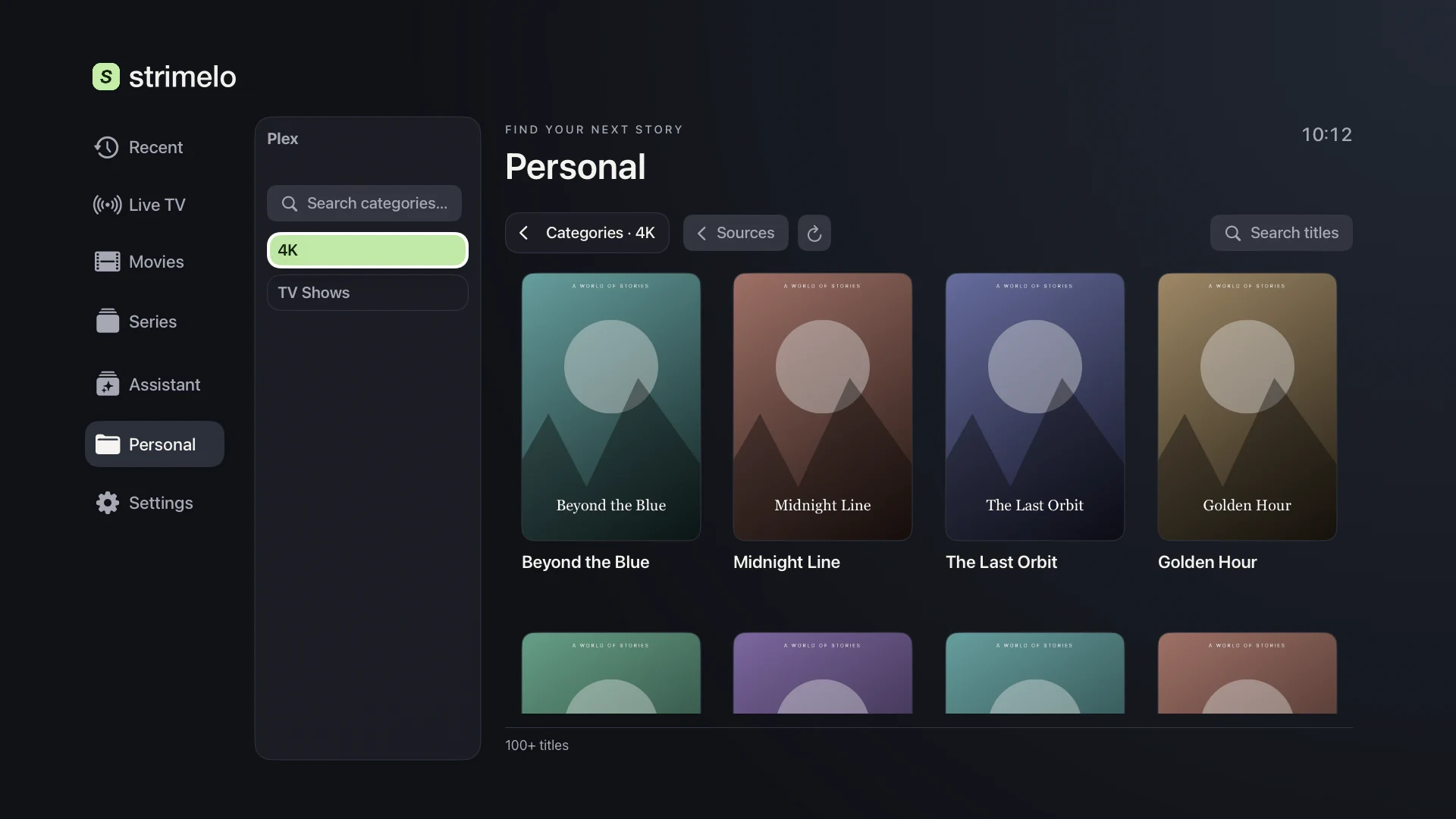
Strimelo’s Personal Library browsing a Plex movie collection with fictional poster artwork.
Personal Library with a fictional Plex catalog.

Find something to watch

Search your channels, guide, and libraries. Turn on the on-device Assistant for search and recommendations based on your available catalog.

Pick up where you left off

Save favourites and resume later. Optional Household Continuity shares supported playlist favourites, organization, and viewing progress across paired devices.

Record with your own host

Pair a compatible, always-on Strimelo Recorder host to schedule supported live programmes from the TV guide.

See Apple TV features and setup requirements

Try Strimelo free for seven days.

Start the trial in the app without a subscription. It ends automatically. Choose a paid plan only if you want to keep watching.

Free trial

7 days

Start the trial whenever you’re ready to play.

Monthly

$1.99 / month

Full player access. Renews monthly until canceled.

Yearly

$14.99 / year

Full player access. Renews yearly until canceled.

US prices in USD. Local pricing and taxes may vary. Apple shows the price at purchase and manages billing and cancellation. Subscription terms

Frequently asked questions

Does Strimelo include channels or a streaming subscription?

No. Strimelo is a player with a built-in guide. You add your own compatible source and need permission to play its content. Guide listings come from your provider or XMLTV feed.

Which Apple TV do I need?

Strimelo requires Apple TV hardware running tvOS 17 or later. Features such as 4K, Dolby Vision, and quad Multiview depend on your model, display, or playback route. See device requirements.

Can I use Plex, Jellyfin, or a shared folder without an IPTV account?

Yes. Open Personal Library to connect your own Plex, Jellyfin, SMB, or WebDAV source, or add a direct link to a compatible video. See connection requirements.

Does Strimelo remove live broadcast delay?

Strimelo reduces avoidable player delay on supported native streams by starting near the media it has received and adapting to delivery. Your provider, connection, and stream packaging still determine how far behind the broadcast you are.

What happens when the free trial ends?

You can choose a monthly or yearly plan through the App Store to continue starting playback. The trial itself never starts a subscription or charges you.

Can I download Strimelo now?

Strimelo is coming soon to the App Store for Apple TV. A download link will appear here at launch.

Coming to Apple TV.

Bring your own compatible content. Strimelo supplies the player and TV guide interface.

Explore compatibility